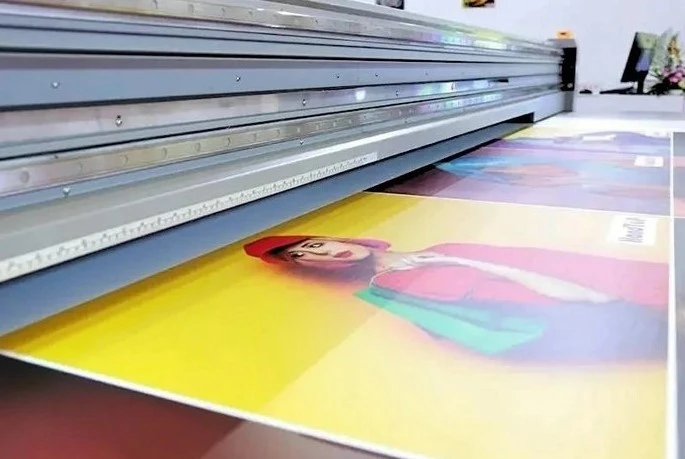
Tips on UV printer operation
Dec 14, 2023
Leave a message
1. Process the picture: Import the picture to be printed into the computer, and use PS software to simply process the size of the picture. It is recommended to be 2 pixels larger than the material size, and then prepare to print.
2. Process the material: Clean the surface where the material needs to be printed.
3. Spray coating: Spray a layer of coating on the surface of the material to increase the adhesion of the ink and make the image complete, clear and beautiful (it should be noted here that if the material does not need to be coated, there is no need to wipe the coating ).
4. Adjust the height of the nozzle: Adjust the distance between the UV printer nozzle and the substrate, and then control the printer through the computer to print.